
Patreon TV
Watch and listen to the creators you support on Patreon, on your Apple TV.
Apple TViPhone
-
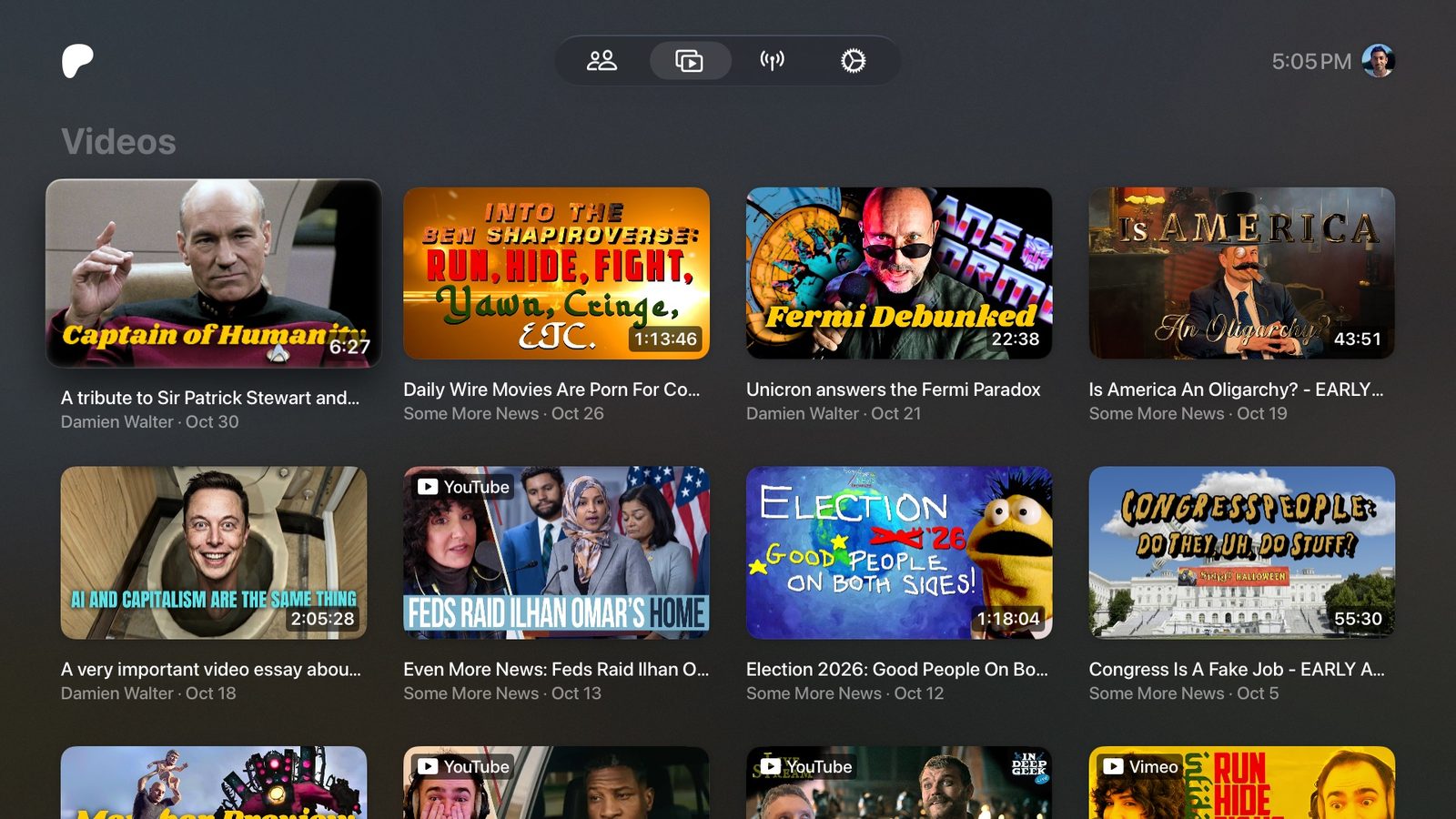
Videos
From every creator you support. Patreon and Vimeo videos play in the app; YouTube videos open in YouTube.
-
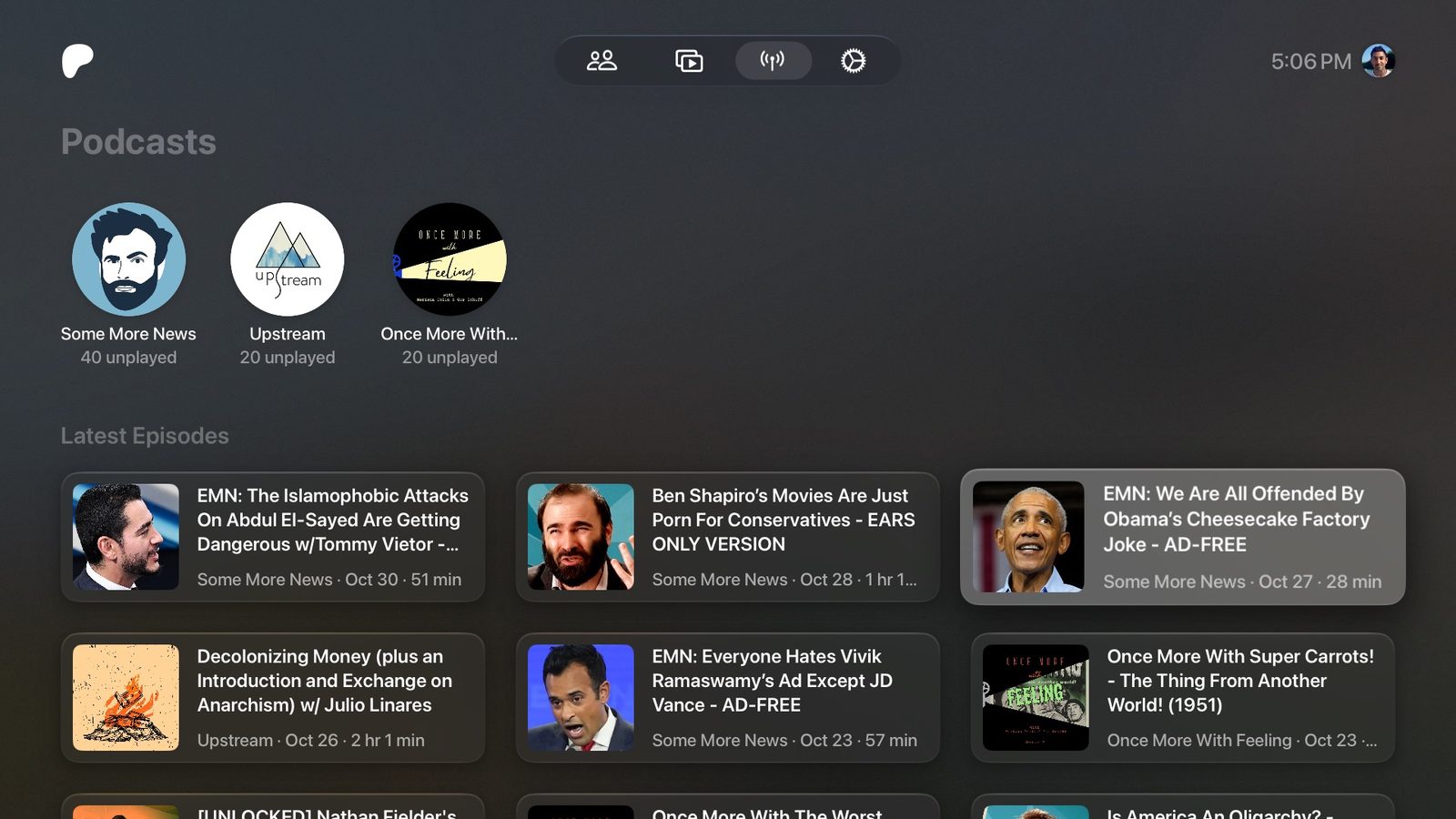
Podcasts
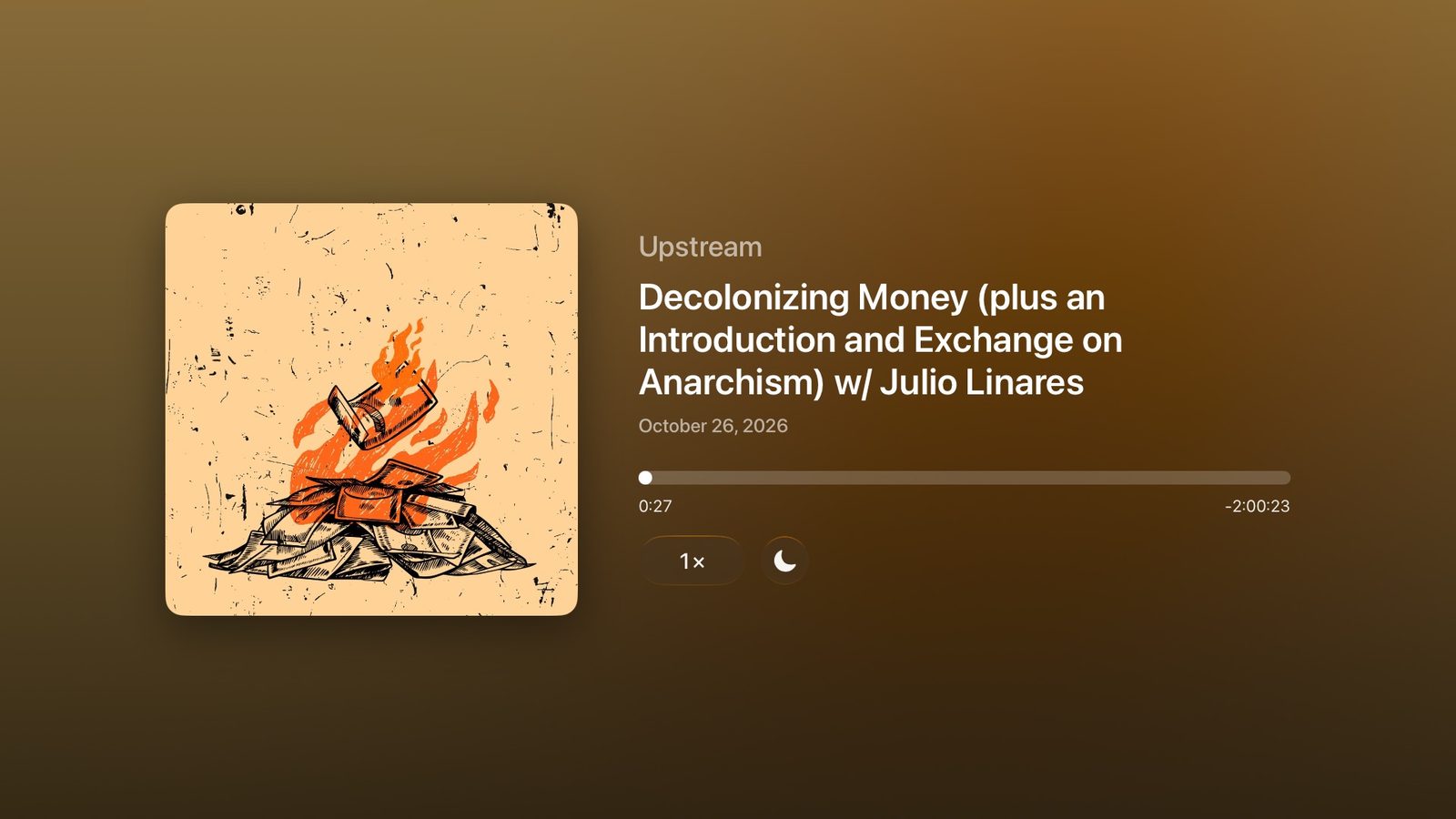
Background audio, so they keep playing after you leave the app. Skip back 10 seconds or ahead 30, at up to 2×.
-
Pick up where you left off
Resume points and watched status sync through iCloud. Video speed is remembered for each creator.
What you need
- An Apple TV with tvOS 26 or later
- An iPhone with iOS 26 or later
- A Patreon account with at least one membership
- A Mac or Windows PC with Sideloadly and an Apple ID
Install and sign in
There are two apps: Patreon for the Apple TV and Patreon Link for the iPhone.
- Download both
.ipafiles from the latest release on GitHub. - Install them with Sideloadly, and turn on its auto-refresh for both. With a free Apple ID, apps stop opening after 7 days unless they’re refreshed.
- Sign in to Patreon in Patreon Link. Open Patreon on the Apple TV, then tap that Apple TV in Patreon Link and choose Sign In. Both need to be on the same Wi-Fi.
Unofficial. Patreon TV isn’t affiliated with Patreon. It uses the same web interface as patreon.com, so a change on Patreon’s side can break it until the app is updated.